
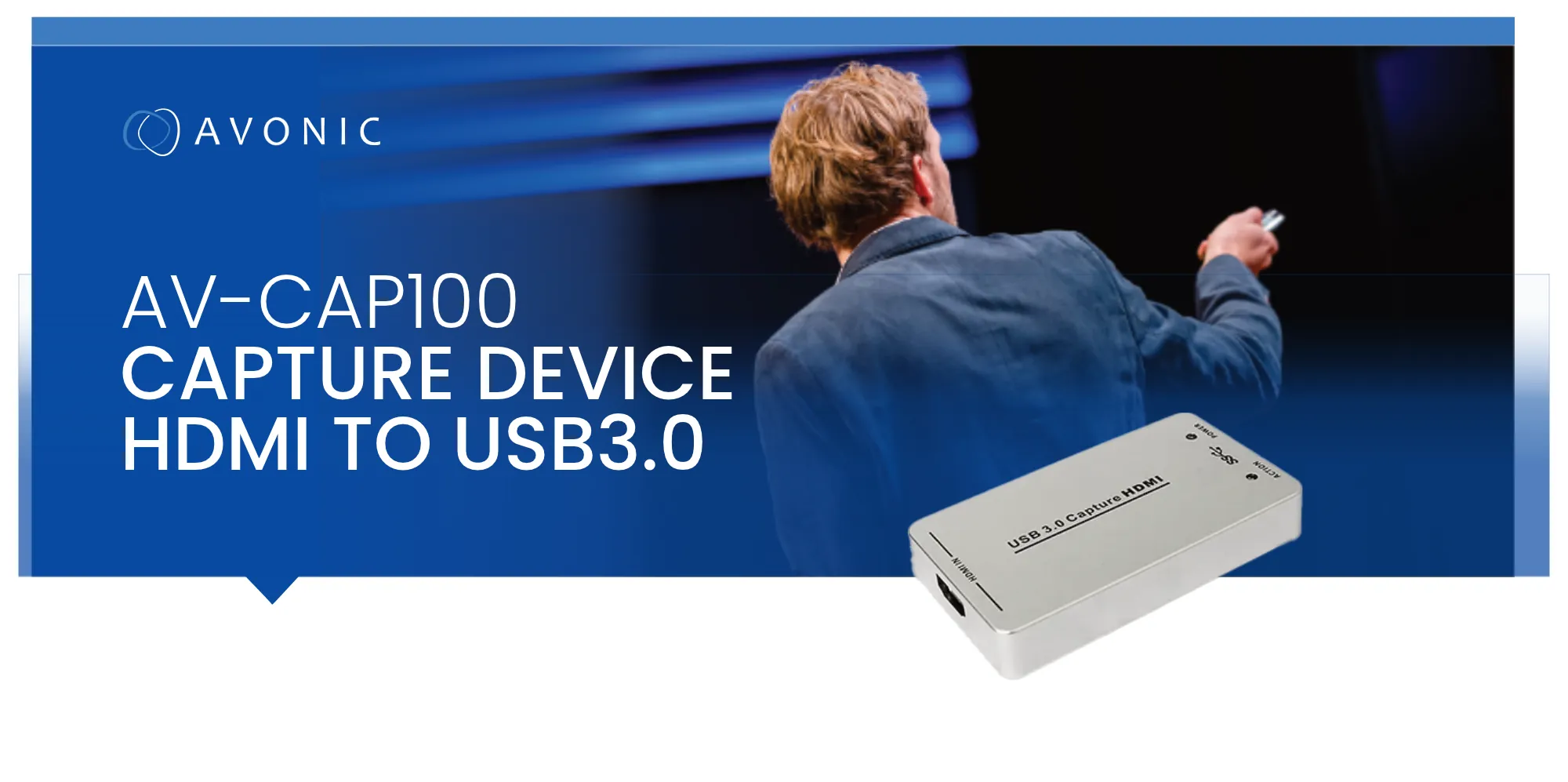
Avonic · CAP100 capabilities
AV-CAP100 Capture, Convert & Connect
Turn any HDMI source into a USB 3.0 video input for recording, streaming and video conferencing. Click a capability to see it in detail.
Avonic · CAP100 overview
From HDMI to USB in one step
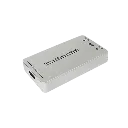
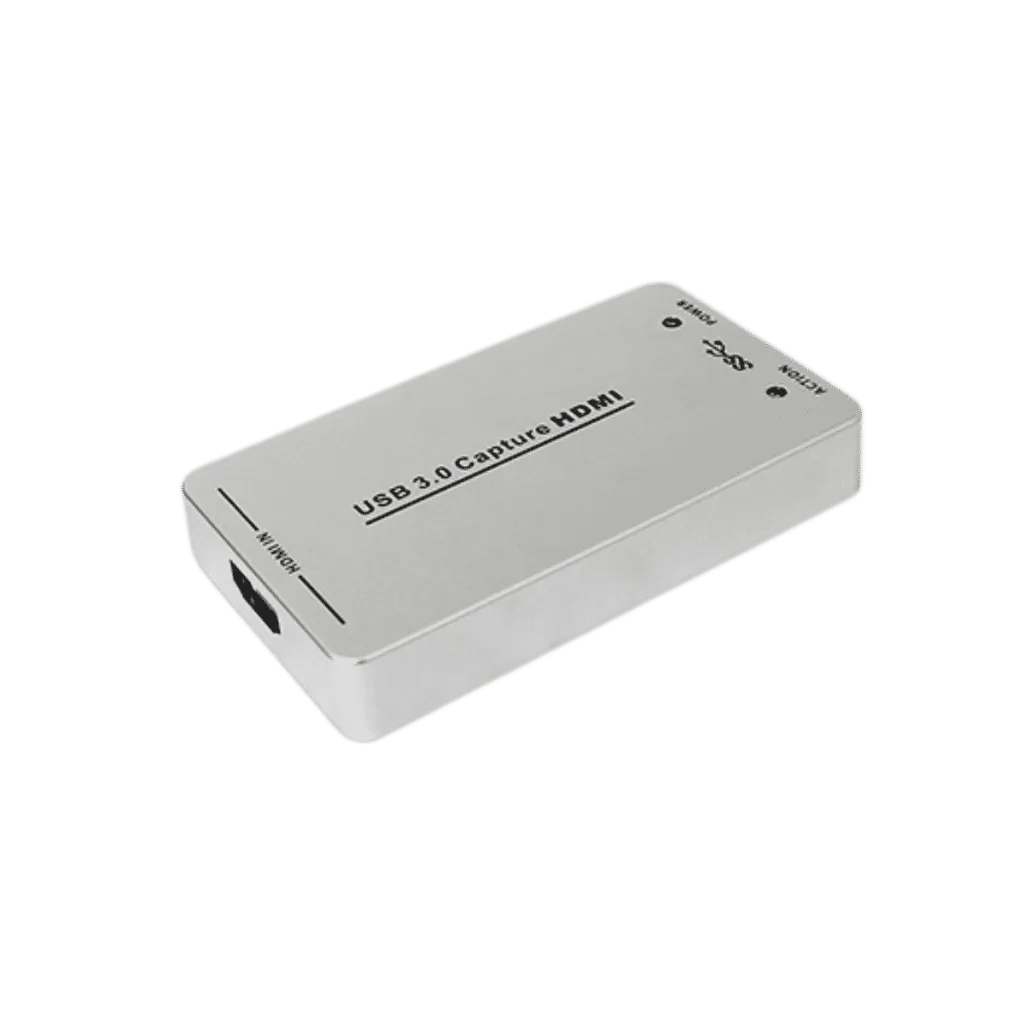
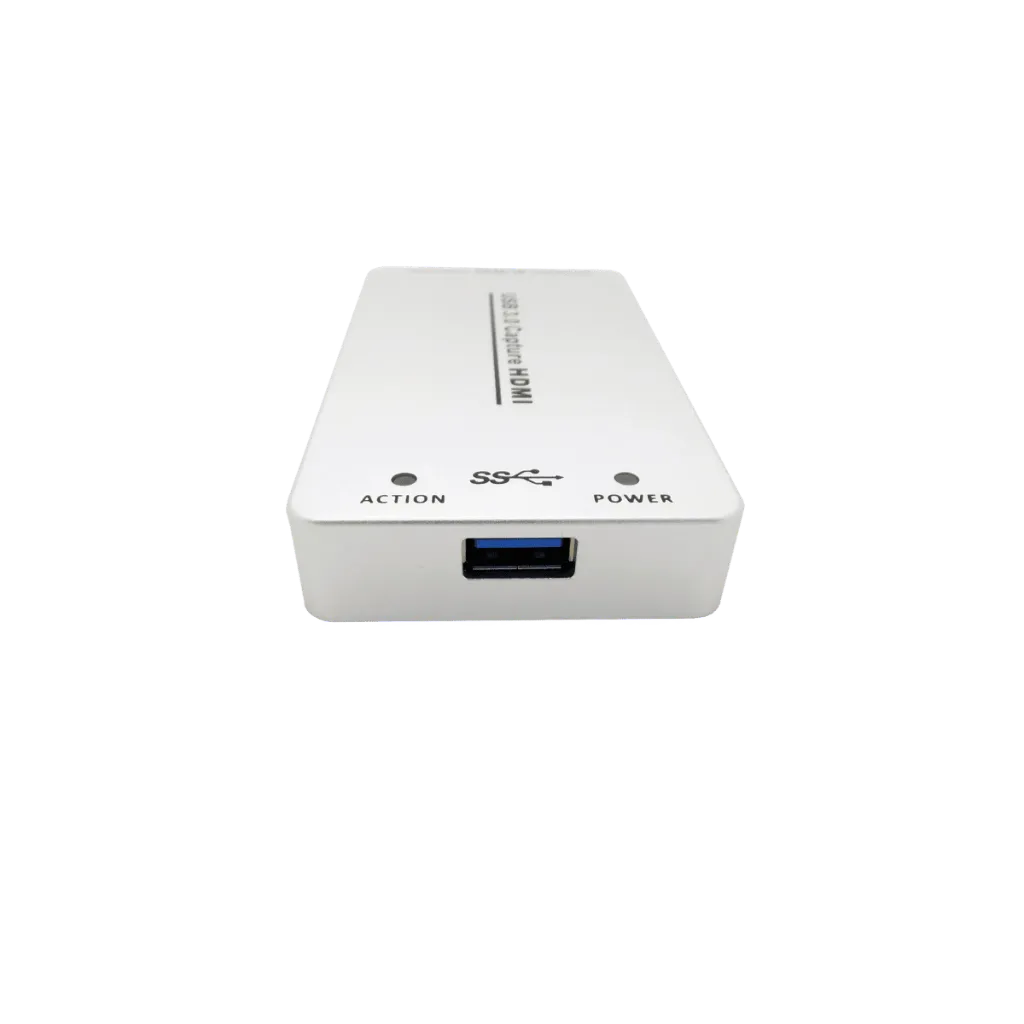
See the AV-CAP100 up close, and how it connects your HDMI source to a computer.
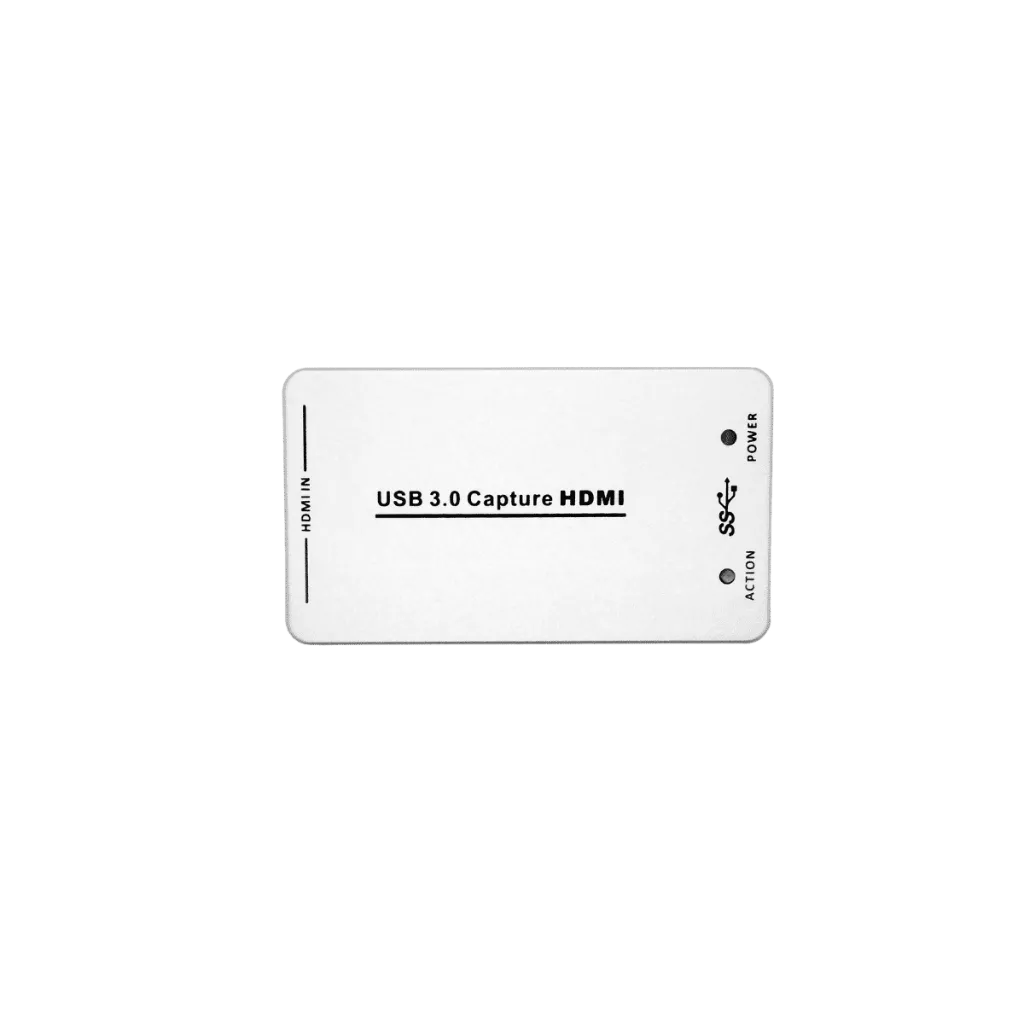
Compact HDMI to USB 3.0 Converter
A small, silver capture device that turns an HDMI signal into a USB 3.0 video and audio input.
- ✓HDMI in, USB 3.0 outCaptures uncompressed video with audio from the HDMI stream.
- ✓Pocket-sized9.8 x 5.6 x 1.6 cm and only 110 g.
- ✓Cable includedSupplied with a USB 3.0 cable (Type A to Type B).
Connect, Plug In, Go Live
Connect an HDMI source such as a camera or laptop, then plug the CAP100 into a USB 3.0 port on your computer.
- ✓Seen as a webcamThe computer recognises it as a video input, with no drivers to install.
- ✓Ready for meetingsWorks with Skype for Business, Zoom, Webex and many more.
- ✓Record or streamUse it with VLC, Wirecast, QuickTime and other capture software.
Avonic · CAP100 capabilities
AV-CAP100 Capture, Convert & Connect
Turn any HDMI source into a USB 3.0 video input for recording, streaming and video conferencing. Click a capability to see it in detail.
Avonic · CAP100 overview
From HDMI to USB in one step
See the AV-CAP100 up close, and how it connects your HDMI source to a computer.
Compact HDMI to USB 3.0 Converter
A small, silver capture device that turns an HDMI signal into a USB 3.0 video and audio input.
- ✓HDMI in, USB 3.0 outCaptures uncompressed video with audio from the HDMI stream.
- ✓Pocket-sized9.8 x 5.6 x 1.6 cm and only 110 g.
- ✓Cable includedSupplied with a USB 3.0 cable (Type A to Type B).
Connect, Plug In, Go Live
Connect an HDMI source such as a camera or laptop, then plug the CAP100 into a USB 3.0 port on your computer.
- ✓Seen as a webcamThe computer recognises it as a video input, with no drivers to install.
- ✓Ready for meetingsWorks with Skype for Business, Zoom, Webex and many more.
- ✓Record or streamUse it with VLC, Wirecast, QuickTime and other capture software.
Key specs
- HDMI to USB 3.0 video and audio capture
- Captures up to 1080p60
- Plug and play UVC / UAC, no drivers
- Auto-detects input format, 480i to 1080p60
- Windows, macOS and Linux compatible
- Works with Zoom, Webex, VLC, Wirecast
- USB powered, ≤ 2.5 W
- 9.8 x 5.6 x 1.6 cm, 110 g
Specifications
General
| Specification | Value |
|---|---|
| Model | AV-CAP100 |
| Product type | HDMI to USB 3.0 capture device |
| Brand | Avonic |
Input
| Specification | Value |
|---|---|
| Input | HDMI |
| Input formats | 480i, 480p, 576i, 576p, 720p50/60, 1080i50/60, 1080p24/25/30/50/60 |
| Format detection | Automatic |
Output
| Specification | Value |
|---|---|
| Output | USB 3.0, 300–350 MB/s (USB 2.0 ~40 MB/s at lower resolutions and frame rates) |
| Output resolutions | 640×360 up to 1920×1200 (incl. 1280×720, 1920×1080) |
| Frame rates | 25 / 29.97 / 30 / 50 / 59.94 / 60 fps |
| Video format | YUV 4:2:2, uncompressed |
| Audio and video capture | UVC and UAC standards |
Compatibility
| Specification | Value |
|---|---|
| Operating systems | Windows, macOS, Linux (kernel 2.6.38 and above) |
| Software | Zoom, Webex, Skype for Business, VLC, Wirecast, QuickTime, PotPlayer and other UVC apps |
| Development interfaces | DirectShow, DirectSound (Windows), V4L2, ALSA (Linux), QuickTime (macOS) |
Power
| Specification | Value |
|---|---|
| Input voltage | 5 V DC (USB) |
| Power consumption | ≤ 2.5 W |
| Power connector | USB 3.0 |
Environmental
| Specification | Value |
|---|---|
| Operating temperature | 0°C to +50°C |
| Storage temperature | -20°C to +70°C |
| Operating humidity | 20% – 90% |
Mechanical
| Specification | Value |
|---|---|
| Dimensions | 9.8 × 5.6 × 1.6 cm |
| Weight | 0.11 kg |
| Color | Silver |
| Box dimensions | 15 × 10 × 5 cm |
| Box weight | 0.23 kg |
Parts Included
| Quantity | Component |
|---|---|
| 1 | CAP100 capture device |
| 1 | USB 3.0 cable (Type A to Type B) |
Know before you buy
Quick answers about the AV-CAP100, and how it compares.
Where does the CAP100 fit?
Do I need the CAP100 with the CM32-IP?
| Connection | Need the CAP100? |
|---|---|
| [CM32-IP] USB 3.0 output straight to a PC | No, the camera is already a USB webcam |
| [CM32-IP] HDMI output, PC far away or USB in use | Yes, use the CAP100 at the PC end |
| Any HDMI-only camera, laptop or switcher | Yes |