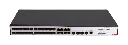

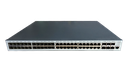

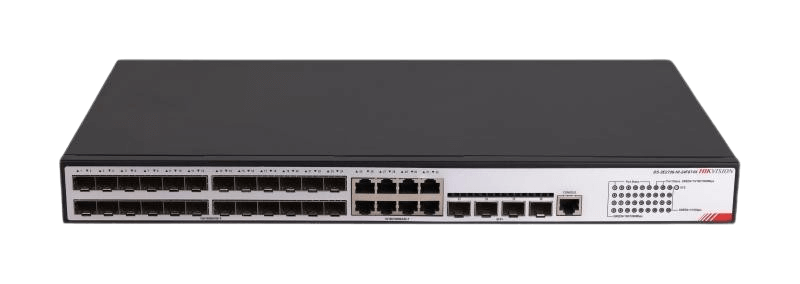
DS-3E2736-HI-24F8T4X
36-Port Fiber Aggregation Switch, 4 × 10G
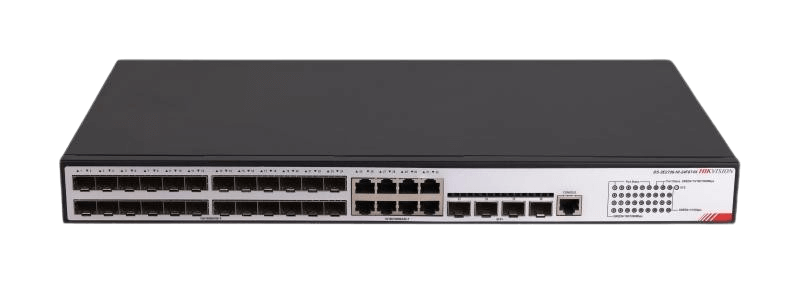
- 24 Gigabit SFP fiber ports
- 8 Gigabit RJ45 + 4 × 10G SFP+
- Smart L2+ with device and link redundancy
- Surge, overheat and CPU protection
DS-3E2736-HI-24F8T4X
36-Port Fiber Aggregation Switch, 4 × 10G
- 24 Gigabit SFP fiber ports
- 8 Gigabit RJ45 + 4 × 10G SFP+
- Smart L2+ with device and link redundancy
- Surge, overheat and CPU protection
Key specs
- 24 × Gigabit SFP fiber ports
- 8 × Gigabit RJ45 ports
- 4 × 10G SFP+ fiber ports
- Smart Layer 2+ switch
- Redundancy at device and link level
- Current and voltage surge control, overheat protection, CPU protection
- Power and fan fault alerts
Know before you buy
Quick answers about the DS-3E2736-HI-24F8T4X, and how it compares.
What does an aggregation or core switch do?
An aggregation switch collects the uplinks from many PoE switches, for example one per floor or per building, usually over fiber. It then sends all that traffic to the NVRs or the core switch over fast 10G links. This keeps a large camera network organized and stops the uplinks becoming a bottleneck. Ask us to plan the network for your site.
What are the SFP fiber ports for?
SFP and SFP+ ports take a small plug-in fiber module, sold separately. Use them to link the switch to the NVR room or main switch when the distance is over 100 m (330 ft), or between buildings. Fiber carries no electricity, so it also stops surges travelling between buildings. Choose single-mode or multi-mode modules to match your fiber cable, and use a matching pair of modules at the two ends. Ask us for the right modules and cable.
Unmanaged, smart or managed switch: which one do I need?
Unmanaged switches are plug and play, with nothing to set up: good for small systems. Smart (web managed) switches add a web page and app view for VLANs, port status, cable checks and, on many models, PoE watchdog, so you can find and fix problems from your desk. Managed (Layer 2+ or Layer 3) switches add full control, routing and ring protection for large sites, campuses and city projects. For most CCTV jobs with 8 to 48 cameras, a smart PoE switch is the best value. Ask us if you are not sure.