
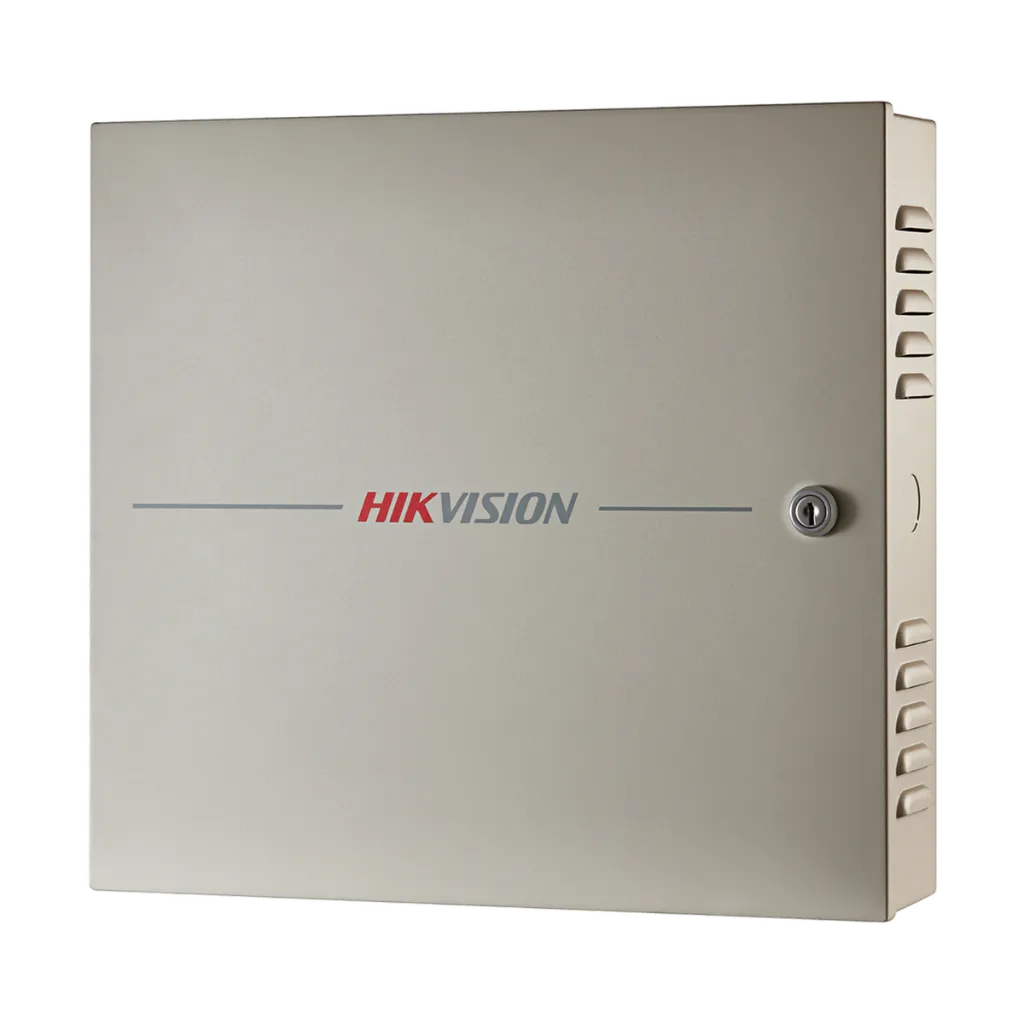
DS-K2604T
4-Door Access Controller, 100,000 Cards
- Controls 4 doors, up to 12 readers
- 100,000 cards, 300,000 events
- Anti-passback, interlock, multi-auth
- Built-in 100-240 VAC power
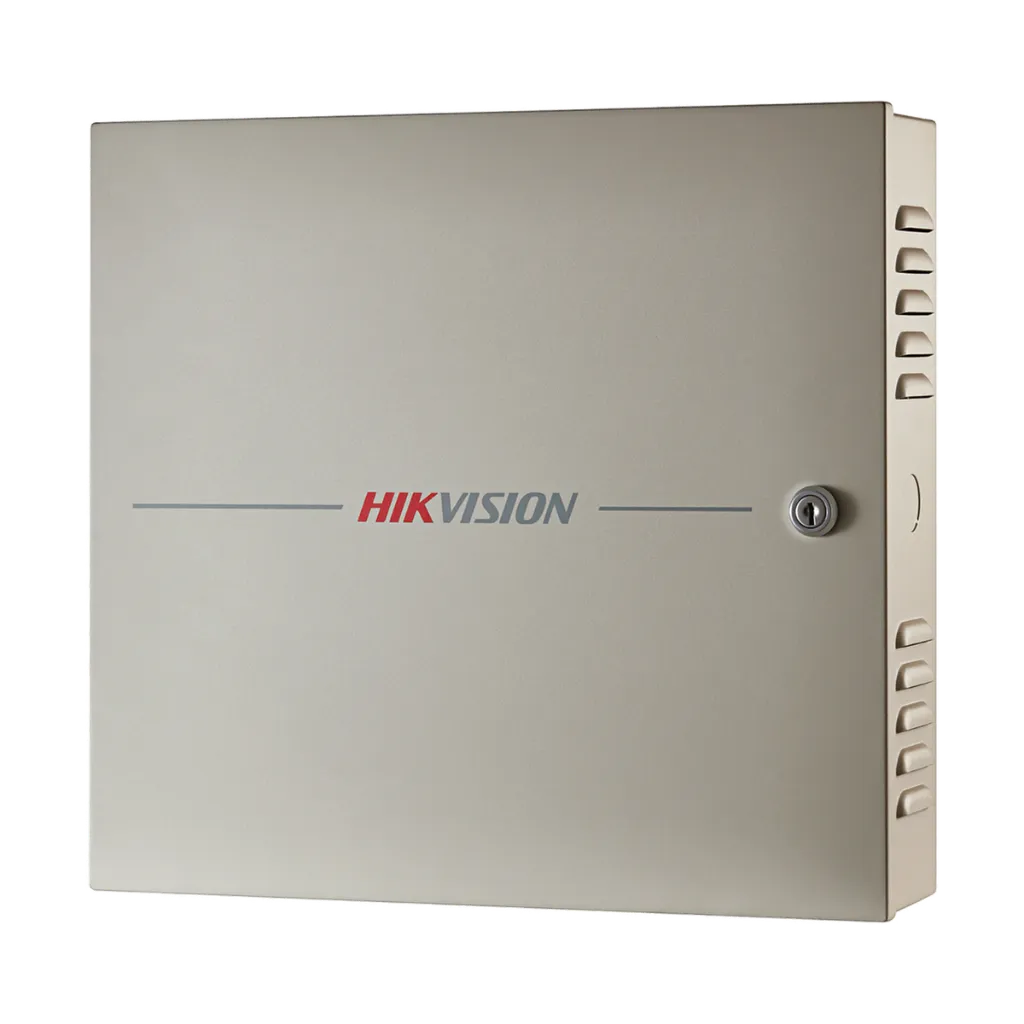
DS-K2604T
4-Door Access Controller, 100,000 Cards
- Controls 4 doors, up to 12 readers
- 100,000 cards, 300,000 events
- Anti-passback, interlock, multi-auth
- Built-in 100-240 VAC power
Key specs
- Controls 4 doors: 4 lock relays, 4 door contacts, 4 exit buttons
- Readers: 8 on RS-485 and 4 on Wiegand (W26/W34), OSDP
- 100,000 cards and 300,000 events stored
- TCP/IP, RS-485; ISAPI and EHome 5.0; encrypted data
- Anti-passback (also between controllers), interlock, multiple authentication, first card
- Alarms: tamper, forced door, door held open, duress, blocklist; 4 alarm inputs, 4 alarm relays
- Works offline, keeps data at power loss; backup battery support, tamper switch
- Power 100-240 VAC; -20 °C to 65 °C; 373 × 345 × 98 mm
Know before you buy
Quick answers about the DS-K2604T, and how it compares.
What does an access controller do?
The access controller is the brain at the door. Card readers, locks, exit buttons and door sensors connect to it, and it decides who may open each door and when. Cards and events are stored on the controller, so doors keep working even if the network is down. Connect it over the network to manage users and see events from one place. Ask us to design your system.
How do I choose a magnetic lock?
Pick the holding force by door: 272 kg (600 lb) suits most office, shop and room doors; 500 kg (1,100 lb) is for main entrances, heavy doors and high-security rooms. Double doors need a double door lock or one lock per leaf. A magnetic lock opens when its power is cut, which is safe for fire exits, so give it a reliable power supply with battery backup. Add an exit button inside, and a bracket if the door opens inward or the frame is narrow. Ask us if you are not sure.
Why do I need an exit button?
The exit button lets people inside open the door without a card, face or code. It connects to the exit input of the access controller or terminal, so the exit is also logged. A touchless button opens with a wave of the hand, which keeps it clean in clinics, offices and food areas.