


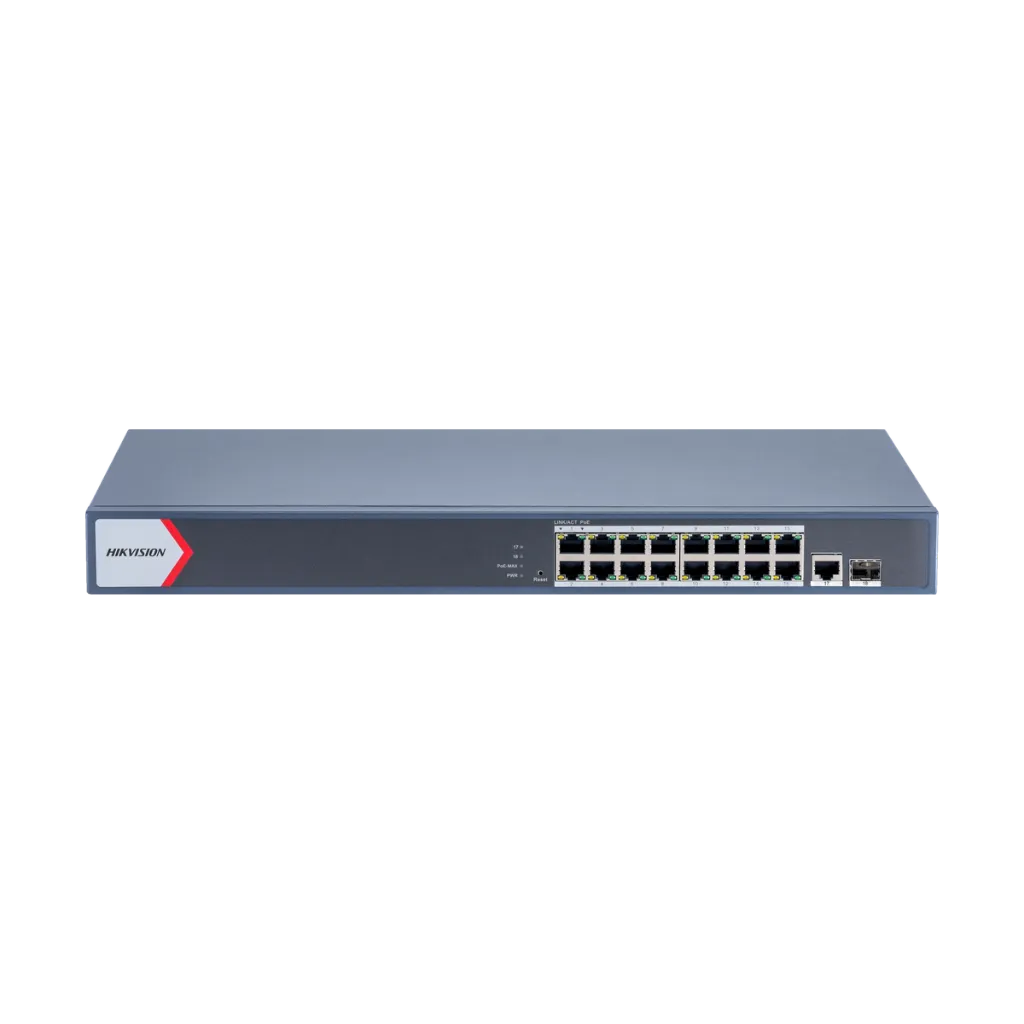
DS-3E1518P-EI/M
16-Port Gigabit Smart PoE Switch
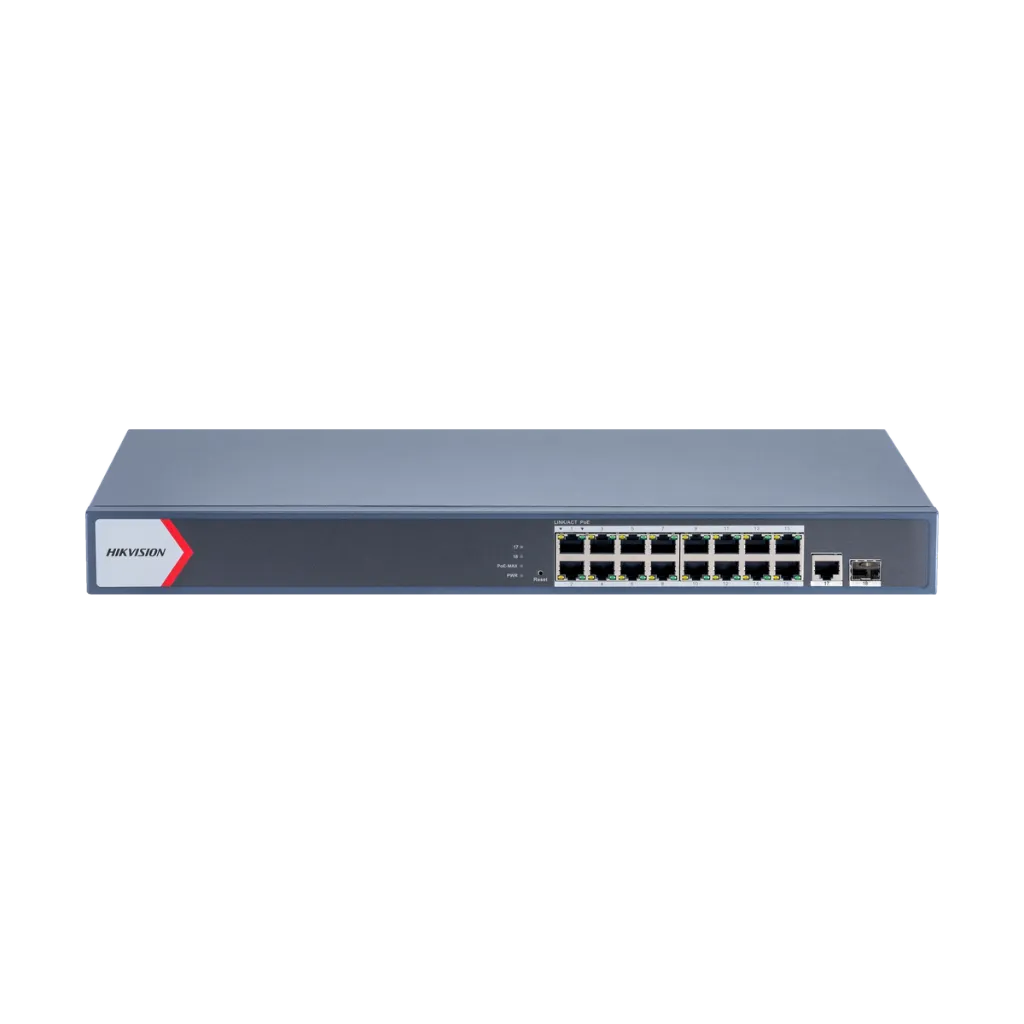
- 16 Gigabit PoE ports, 130 W
- Gigabit RJ45 and SFP uplinks
- Cloud management
- PoE watchdog, VLAN
DS-3E1518P-EI/M
16-Port Gigabit Smart PoE Switch
- 16 Gigabit PoE ports, 130 W
- Gigabit RJ45 and SFP uplinks
- Cloud management
- PoE watchdog, VLAN
PoE Ports
Hikvision DS-3E1518P-EI/M Gigabit Smart POE Switch, 16 x gigabit PoE RJ45 ports
Non-PoE Ports
1 x 10/100/1000 Mbps uplink ethernet port
SFP Port
1 x 10/100/1000 Mbps uplink SFP port
PoE Standard
IEEE 802.3af, IEEE 802.3at
Power Budget
Total PoE power budget: 130W
Switching Capacity
Switching Capacity: 56 Gbps
Mac Address Table
MAC Address Table: 8 K
Software Function
Port Isolation, PoE Watchdog, Link Aggregation, Loop Prevention, Support 802.1Q.
Key specs
- 16 × Gigabit PoE ports (802.3af/at)
- 1 × Gigabit RJ45 + 1 × Gigabit SFP uplink
- PoE budget 130 W
- Cloud management for security systems
- PoE watchdog, VLAN, link aggregation, loop prevention
- Switching capacity 56 Gbps; metal; 6 kV surge protection
|
General |
|
|
|
Shell |
Metal material |
|
|
Net Weight |
2.7 kg (5.9 lb) |
|
|
Gross Weight |
2.9 kg (6.4 lb) |
|
|
Dimensions (W × H × D) |
440.0 mm × 220.8 mm × 44.0 mm (17.32'' × 8.69'' × 1.73'') |
|
|
Operating Temperature |
0 °C to 45 °C (0 °F to 113 °F) |
|
|
Storage Temperature |
-40 °C to 85 °C (-40 °F to 185 °F) |
|
|
Operating Humidity |
5% to 95% (no condensation) |
|
|
Relative Humidity |
5% to 95% (no condensation) |
|
|
Power Supply |
100~240 V AC, 50/60 Hz, Max. 2.5 A |
|
|
Installation Mode |
Rack (equipped with mounting ears) |
|
|
Max. Power Consumption |
150 W |
|
|
Power Consumption in Idle |
20 W |
|
|
Surge Protection |
6 kV |
|
|
Network Parameters |
|
|
|
Ports |
16 × Gigabit PoE port,1 × Gigabit RJ45 port,1 × Gigabit fiber optical port |
|
|
MAC Address Table |
8 K |
|
|
Switching Capacity |
56 Gbps |
|
|
Packet Forwarding Rate |
41.66 Mpps |
|
|
Internal Cache |
4.1 Mbits |
|
|
PoE Power Supply |
|
|
|
PoE Standard |
IEEE 802.3af, IEEE 802.3at |
|
|
PoE Power Pin |
8-pin power: 1/2(-), 3/6(+), 4/5(+), 7/8(-) |
|
|
PoE Port |
PoE: Ports 1 to 16 |
|
|
Max. Port Power |
30 W |
|
|
PoE Power Budget |
130 W |
|
|
Software Function |
|
|
|
Long Range |
Ports 1 to 16: up to 300 m. Long range performance may vary depend on camera model or cable condition. |
|
|
Port Isolation |
Ports 1 to 16: port isolation mode to improve network security. Ports in an isolation group cannot communicate with each other, but they can communicate with ports outside the isolation group. |
|
|
PoE Watchdog |
Ports 1 to 16: auto detect and restart the cameras that do not respond. |
|
|
Link Aggregation |
Link aggregation is used to aggregate multiple physical ports to form a logical port for load balancing, bandwidth expansion, and port protection. Support static link aggregation. Support 8 aggregation groups. |
|
|
Loop Prevention |
Loop prevention is used to prevent the switching network from forming loops, which will seriously affect network communication. Disabled by default. Support 802.1D STP. Suppport 802.1w RSTP. |
|
|
VLAN |
VLAN is used for network scale planning and network health improvement. Support 802.1Q. Configurable VLAN ID from 1-4094. Support Trunk, Access port mode. Support Max. 32 VLAN. |
|
|
HPP |
Support one-click activation and remote management via Hik-Partner Pro. Functions supported: Display the port rate. Display the port bandwidth utilization rate. Display the PoE power usage. Display topology information. Display the alarm status. Restart ports and devices. Enable port long-rage mode. Remotely upgrade the device. |
|
|
System Maintenance |
Support device management via web. Support DHCP Client. Enabled by default for dynamic assignment of management IP addresses. Support Super IP, which is a fixed IP address (10.180.190.200) for direct access. Support remote management via Hik-Partner Pro. Support cable detection. Abnormal open circuits and short circuits as well as network cable length can be detected. Support 802.1ab LLDP for peer device discovery. Support port mirroring for fault locating. |
|
|
Approval |
||
|
EMC |
CE-EMC (EN 55032: 2015+A11: 2020, EN IEC 61000-3-2: 2019, EN 61000-3-3: 2013+A1: 2019, EN 50130-4: 2011+A1: 2014, EN 55035: 2017+A11: 2020) |
|
|
Safety |
CB (AMD1:2009, AMD2:2013, IEC 62368-1: 2014 (Second Edition), CE-LVD (EN 62368-1: 2014+A11: 2017) |
|
|
Chemistry |
CE-RoHS (201165EU); WEEE (201219EU); Reach (Regulation (EC) No.19072006) |
|
Know before you buy
Quick answers about the DS-3E1518P-EI/M, and how it compares.
How many cameras can this PoE switch power?
Two limits apply: the number of PoE ports, and the total PoE budget in watts. Add up the maximum power of each camera from its datasheet and keep about 20% spare. Example: 16 cameras at 6 W each need 96 W, plus 20% is about 115 W, so a switch with a 125 W budget or more is right. A PoE port (802.3af) gives up to 15.4 W and a PoE+ port (802.3at) up to 30 W. PTZ cameras and cameras with heaters, strong IR or strobe lights need PoE+ or Hi-PoE (802.3bt). Not sure? Send us your camera list and we size it for you.
Unmanaged, smart or managed switch: which one do I need?
Unmanaged switches are plug and play, with nothing to set up: good for small systems. Smart (web managed) switches add a web page and app view for VLANs, port status, cable checks and, on many models, PoE watchdog, so you can find and fix problems from your desk. Managed (Layer 2+ or Layer 3) switches add full control, routing and ring protection for large sites, campuses and city projects. For most CCTV jobs with 8 to 48 cameras, a smart PoE switch is the best value. Ask us if you are not sure.
What are the SFP fiber ports for?
SFP and SFP+ ports take a small plug-in fiber module, sold separately. Use them to link the switch to the NVR room or main switch when the distance is over 100 m (330 ft), or between buildings. Fiber carries no electricity, so it also stops surges travelling between buildings. Choose single-mode or multi-mode modules to match your fiber cable, and use a matching pair of modules at the two ends. Ask us for the right modules and cable.