


EZVIZ CloudPlay
Cloud backup for your EZVIZ camera: every alert clip saved safely online, even if the camera or memory card is lost.
Every new EZVIZ camera includes a free CloudPlay trial of up to 30 days.
EZVIZ CloudPlay
Cloud backup for your EZVIZ camera: every alert clip saved safely online, even if the camera or memory card is lost.
Every new EZVIZ camera includes a free CloudPlay trial of up to 30 days.
Why add CloudPlay to your EZVIZ camera?
A memory card keeps video inside the camera. CloudPlay keeps a copy of every alert clip online.

Replay every alert from the cloud, wherever you are.
Clips stay safe even if the card fails or the camera is stolen.
No card filling up: storage within your plan is unlimited.
Live view and instant alerts, anywhere
Open the EZVIZ app to watch your camera live and get an alert the moment it spots motion, at home, at work or travelling.

Live viewing

Instant alerts

Every alert clip saved for you
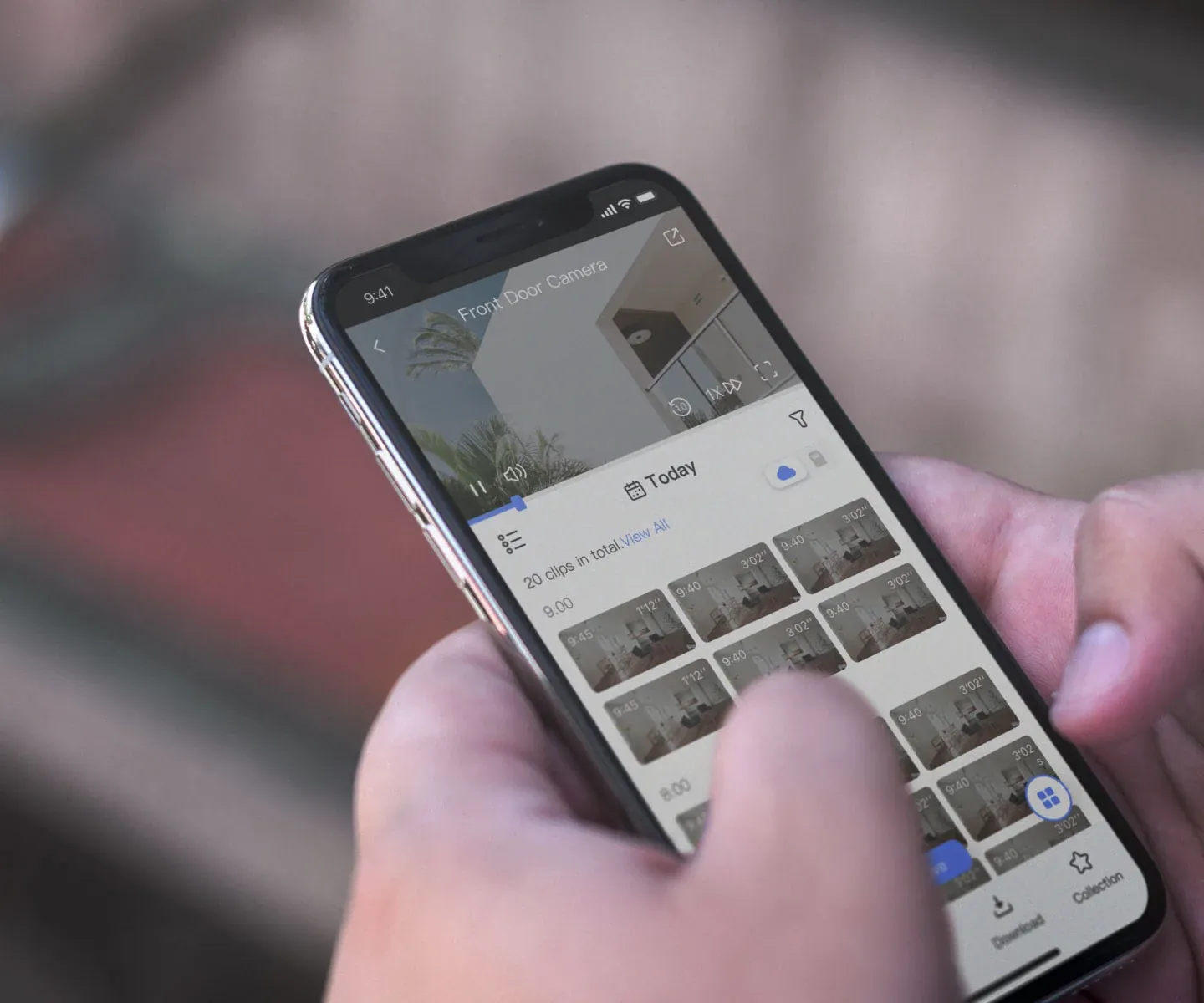
With CloudPlay, motion-triggered clips upload to the cloud on their own, and you can also save a moment by hand. Download any clip to your phone and share it on WhatsApp or social media.

Clips saved automatically

Easy sharing from the app
Private by design
Video travels from your camera to the cloud encrypted end to end, and your EZVIZ account is protected with multi-step login.

Encrypted storage

Multi-step login


Choose your CloudCard
Each card covers one EZVIZ camera with 7-day event-based video history and unlimited cloud storage.
Set up in four steps

Install the EZVIZ app and add your camera.


Choose the camera you want to protect.

Start the free trial or activate your CloudCard.

Every alert clip is now backed up online.
Works with your EZVIZ camera
These EZVIZ models from our range are on EZVIZ's CloudPlay list.
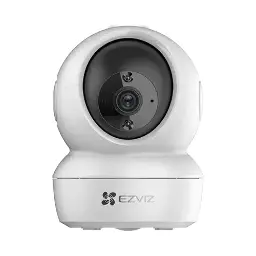
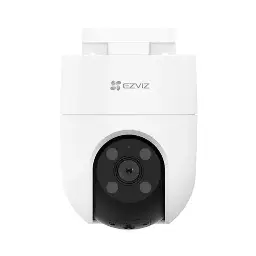
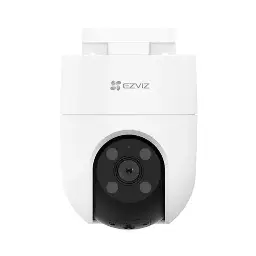
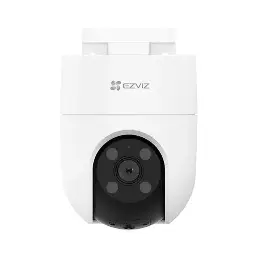
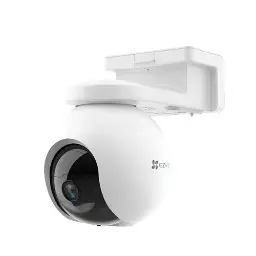
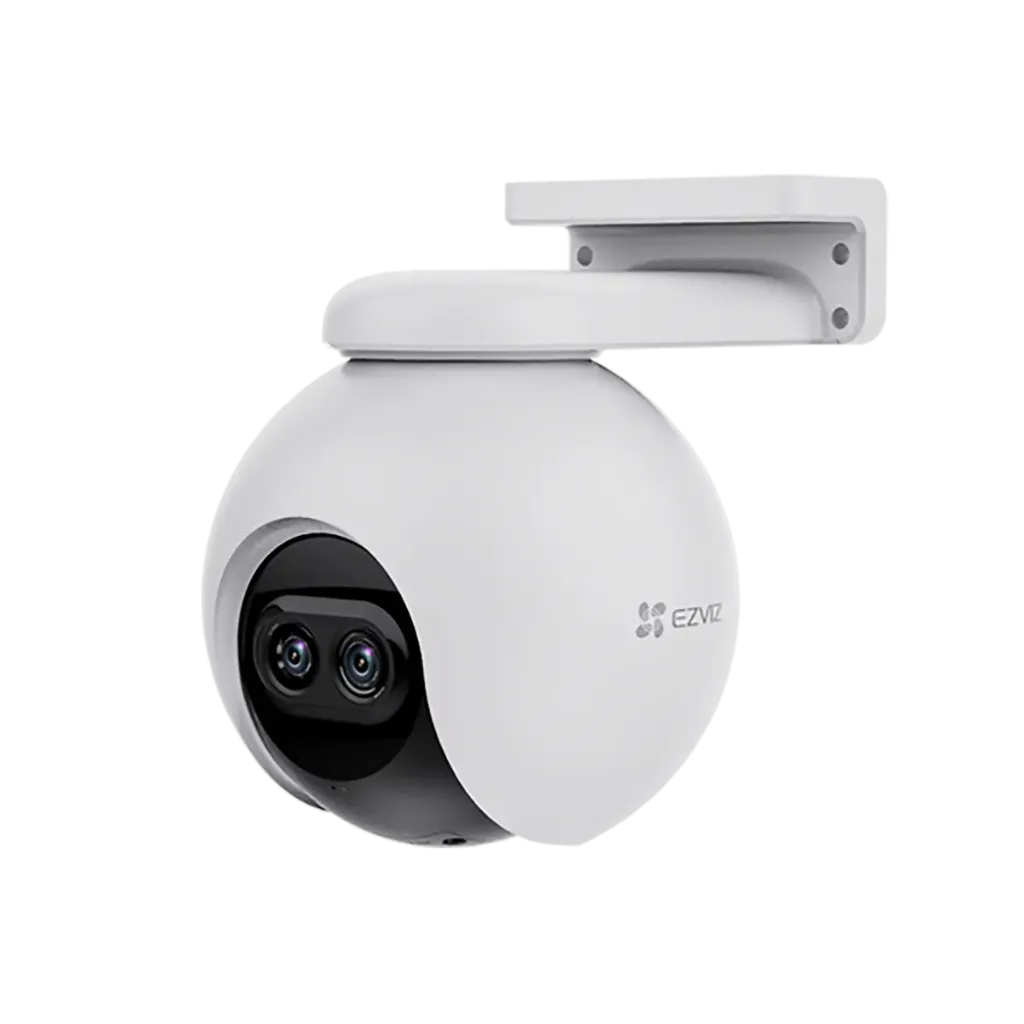
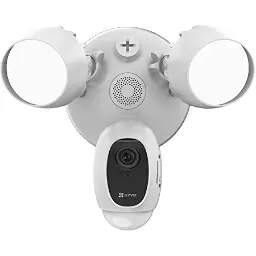
Most newer EZVIZ cameras support CloudPlay too. Open the camera's settings in the EZVIZ app: if you see CloudPlay, it is supported.
Why add CloudPlay to your EZVIZ camera?
A memory card keeps video inside the camera. CloudPlay keeps a copy of every alert clip online.
Replay every alert from the cloud, wherever you are.
Clips stay safe even if the card fails or the camera is stolen.
No card filling up: storage within your plan is unlimited.
Live view and instant alerts, anywhere
Open the EZVIZ app to watch your camera live and get an alert the moment it spots motion, at home, at work or travelling.
Live viewing
Instant alerts
Every alert clip saved for you
With CloudPlay, motion-triggered clips upload to the cloud on their own, and you can also save a moment by hand. Download any clip to your phone and share it on WhatsApp or social media.
Clips saved automatically
Easy sharing from the app
Private by design
Video travels from your camera to the cloud encrypted end to end, and your EZVIZ account is protected with multi-step login.
Encrypted storage
Multi-step login
Choose your CloudCard
Each card covers one EZVIZ camera with 7-day event-based video history and unlimited cloud storage.
Set up in four steps
Install the EZVIZ app and add your camera.
Choose the camera you want to protect.
Start the free trial or activate your CloudCard.
Every alert clip is now backed up online.
Works with your EZVIZ camera
These EZVIZ models from our range are on EZVIZ's CloudPlay list.
Most newer EZVIZ cameras support CloudPlay too. Open the camera's settings in the EZVIZ app: if you see CloudPlay, it is supported.
Key specs
- EZVIZ CloudPlay, 7-day event-based video history
- Covers 1 EZVIZ camera
- Valid for 1 month
- Unlimited cloud storage within the plan
- Motion alert clips saved automatically
- Encrypted storage, multi-step account login
- Watch, download and share in the EZVIZ app
- Works alongside the camera's microSD card
Know before you buy
Quick answers about the EZVIZ CloudPlay 7-Day CloudCard (1 Month), and how it compares.
1 month or 1 year?
Same service. The 1-year card covers 12 months with one activation, so you never renew month by month. Take the 1-month card to try CloudPlay after your free trial ends.
What does CloudPlay do that a memory card cannot?
A microSD card keeps video inside the camera, so if the card fails or the camera is stolen, the recordings go with it. CloudPlay uploads every motion alert clip to EZVIZ's encrypted cloud as it happens, so the clips are still in your EZVIZ app whatever happens to the camera.
Keep the memory card too: the card records on the spot, and CloudPlay keeps a safe copy of the moments that matter.
What does "7-day event-based video history" mean?
You can play back every motion-triggered clip from the last 7 days. Each day, clips older than 7 days are replaced by new ones, and storage within those 7 days is unlimited. To keep a clip longer, download it to your phone before it rolls off.
Our CloudCards are 7-day plans. 30-day history plans can be bought inside the EZVIZ app.
Is there a free trial?
Yes. Every new EZVIZ camera can start a free CloudPlay trial of up to 30 days from the camera's cloud storage page in the EZVIZ app. When the trial ends, continue with a CloudCard; nothing is charged automatically.
How do I activate a CloudCard?
- Open the EZVIZ app, select your camera and open its settings.
- Scroll down to CloudPlay, tap the three dots at the top right and choose Manage.
- Tap Enter Card Activation Code (or Cloud Card Activation).
- Type the code exactly as printed, matching capital and small letters with no spaces, then tap Activate Now and Continue until it says the activation was successful.
- Back on the Manage page, make sure Recording is switched on, or CloudPlay will not save clips.
Stuck? Our helpdesk will do it with you on WhatsApp, 10am to 6pm.
How do I renew, and will I be charged automatically?
No automatic charges. A CloudCard is prepaid: you pay once for the card and no bank or credit card details are stored. To keep CloudPlay running, activate a new CloudCard on the same camera before the plan ends. You can also change or renew plans inside the EZVIZ app if you prefer to pay there.
Which cameras does it work with, and how many per card?
One CloudCard covers one camera; for two cameras, use two cards. CloudPlay works with nearly all EZVIZ Wi-Fi, battery and 4G cameras and door phones, including the H6c, TY1, H8c, CB8, C8PF, LC1C, DP2C and HP7. If the camera shows a cloud storage option in the EZVIZ app, it is supported. For dual-lens cameras, ask us before ordering.
How do I watch, download and share cloud clips?
Open the camera in the EZVIZ app and choose cloud playback to watch any clip in your history. To share one, download it to the app's video library first, then send it on WhatsApp or post it from there.
What does CloudPlay need to work properly?
A steady internet connection at the camera (1.5 Mbps or more), the camera online in the EZVIZ app and its latest firmware. If the internet drops, the camera keeps recording to its microSD card and uploads to the cloud again once it is back.
Can I get a refund on a CloudPlay plan?
EZVIZ does not refund a plan once it has started. Before activating, check that your camera shows CloudPlay in its settings in the EZVIZ app, or send us the model on WhatsApp and we will confirm it is supported.
Who sells EZVIZ in Pakistan, and what warranty and support do I get?
Electronic Security Company (ESCO) is the authorized national distributor of EZVIZ in Pakistan, so every unit is genuine and comes with a 1-year warranty. Warranty is carry-in: bring the unit to an ESCO office or the dealer you bought from, and after inspection it is repaired or replaced.
Order here and delivery is free anywhere in Pakistan. We keep stock in Karachi, Lahore, Islamabad and Rawalpindi, and our dealer network covers almost every other city. EZVIZ products are made to set up yourself in the EZVIZ app; if you get stuck, our helpdesk helps on WhatsApp, phone and email, 10am to 6pm. Use Add to Cart, or Request a Quote for several units.